How to Connect a Music Boxing Machine to Your Phone
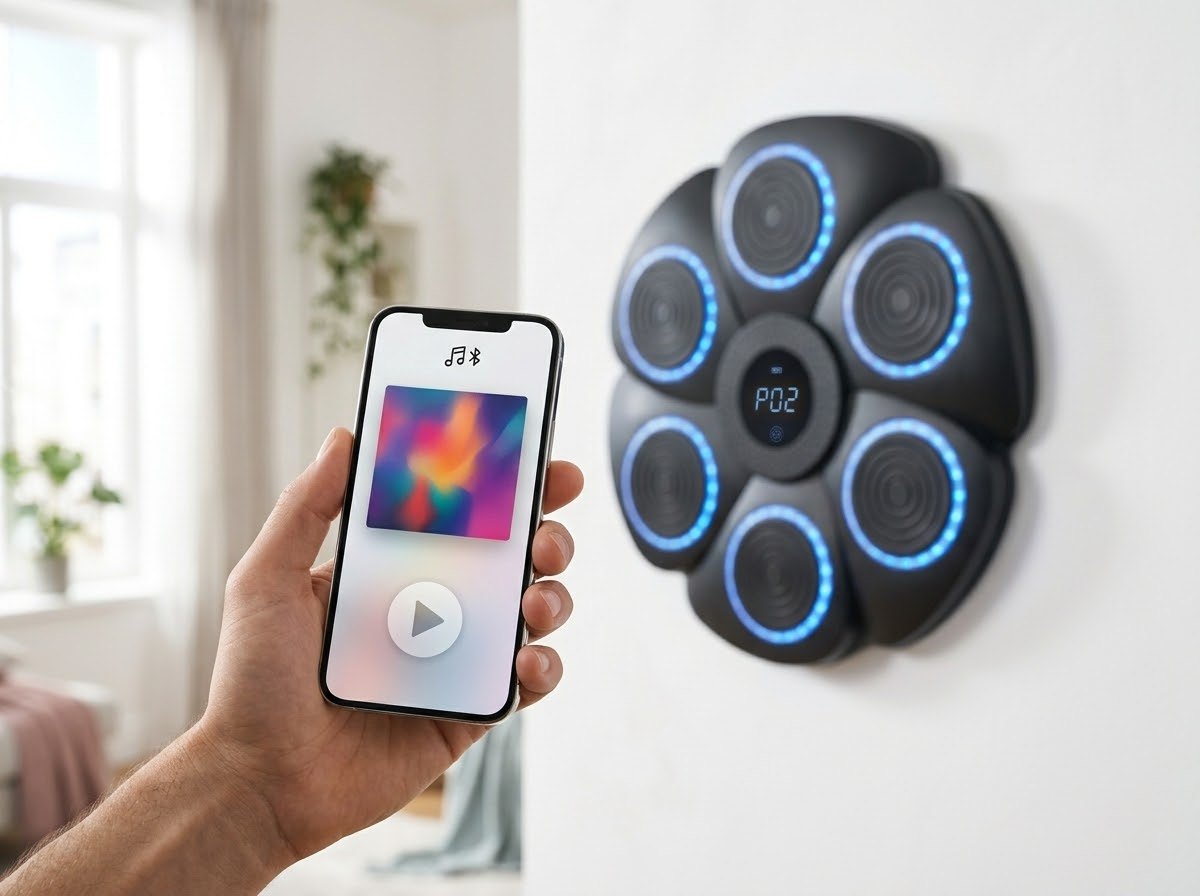
Your phone is the brain of a music boxing machine. Once it is paired over Bluetooth, anything you play comes out of the machine's speaker and the targets light up along with it. Here is how to connect.
Pairing in three steps
- Power on the machine. Use the included USB-C cable to plug it in if needed.
- Open Bluetooth on your phone. On iPhone go to Settings, then Bluetooth. On Android open Settings, then Connected devices or Bluetooth.
- Tap the machine in the device list. When it shows as connected, press play in your music app.
Which apps work?
Any app that plays audio on your phone: Spotify, Apple Music, YouTube, Amazon Music, podcasts, even the sound from a workout video. The machine simply acts as a Bluetooth speaker with lights.
If it will not connect
- Make sure the machine is not already connected to another phone nearby.
- Turn Bluetooth off and on again on your phone.
- Choose "Forget this device," then pair again.
- Move the phone closer. Walls and distance weaken the signal.
- Restart the machine.
Tips for a better session
- Build a playlist before you start so you are not tapping your phone with gloves on.
- Turn on Do Not Disturb so calls and notifications do not cut the music.
- Set the volume on the phone first, then fine-tune on the machine.
Once paired, most phones reconnect on their own the next time you turn the machine on.